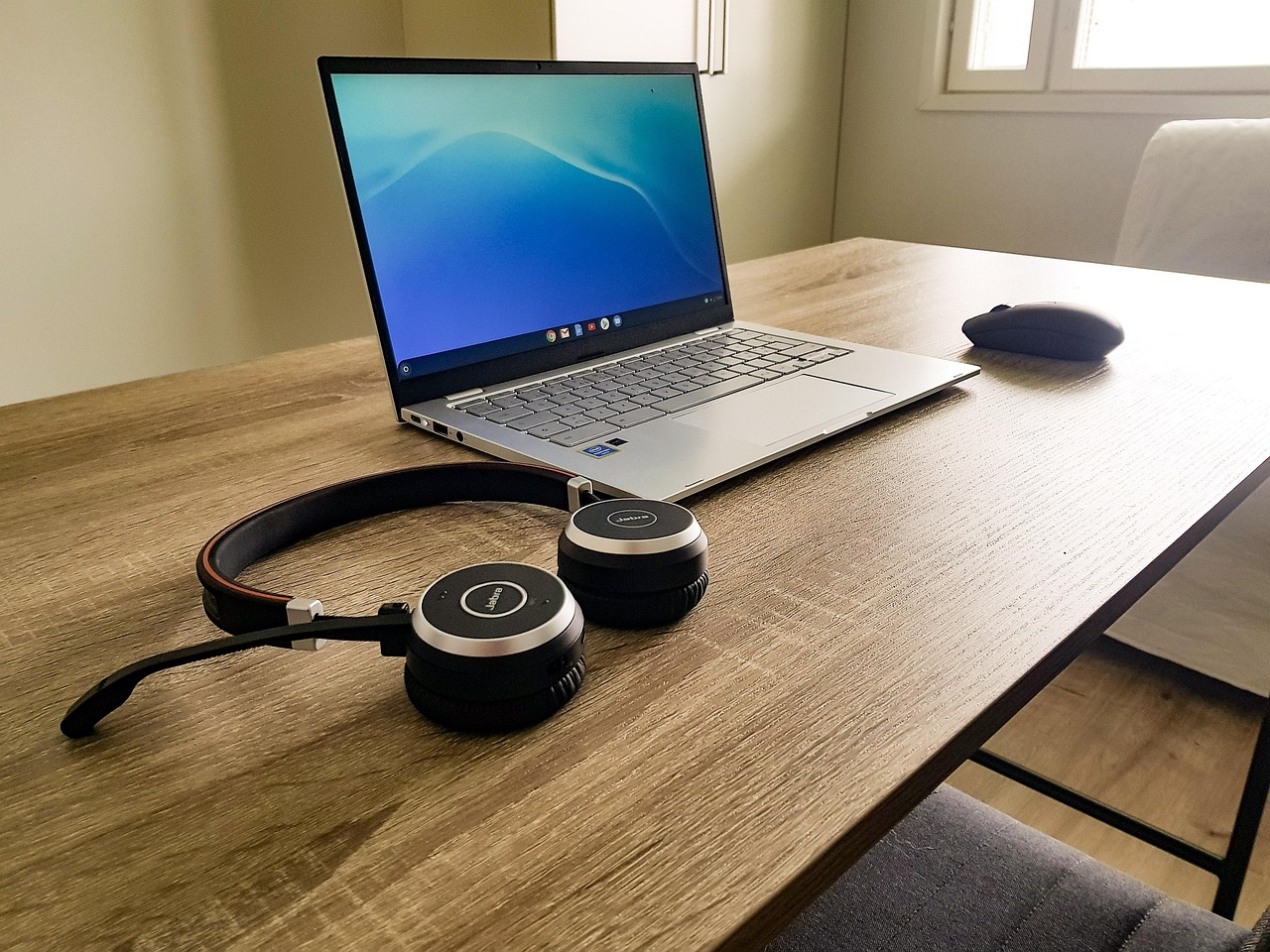
We spend endless hours optimizing our devices for peak performance, yet we often use them in a one-size-fits-all manner. The same phone that manages our corporate email during the day is the same device we use for winding down at night. The same laptop for crunching spreadsheets becomes our movie screen. This constant context collision creates cognitive friction and diminishes our ability to be fully present in any single mode of life. The solution? Embracing the art of being a tech chameleon—intentionally shaping your digital environment to match your current purpose.
The Three Essential Modes: Work, Create, Unwind
The first step is to recognize that your relationship with technology should not be static. It should fluidly transition between at least three distinct modes.
· Work Mode: The Laser Focus
This is your digital command center. The goal here is elimination of distraction and maximization of efficiency.
· The Setup: On your computer, this means a clean desktop, a “Do Not Disturb” shield activated, and only the tabs and applications relevant to your current task are open. Browser extensions that block social media are your allies.
· The Phone Companion: Your phone during work mode should be a tool, not a temptation. Silence all non-essential notifications and place it face down, or in another room. Better yet, use its built-in “Work Profile” or “Focus Mode” to literally hide your social and entertainment apps, making them inaccessible until the workday is done.
· Create Mode: The Digital Studio
This mode is distinct from work. It’s less about efficiency and more about inspiration and flow. It’s for writing, designing, making music, or editing photos.
· The Setup: Full-screen application mode is non-negotiable. Your writing app or video editor should be the only thing visible. Your phone is on Airplane Mode or tucked away. The key here is to remove any possibility of interruption that could break the fragile state of creative flow.
· The Analog Bridge: Often, the best tech for Create Mode isn’t digital at all. A whiteboard for brainstorming, a notebook for sketching plot lines, or a physical book for research can provide a tactile, focused break from the screen that often leads to breakthroughs.
· Unwind Mode: The Digital Sanctuary
This is the most neglected but most crucial mode. It’s about using technology for genuine relaxation and connection, not passive consumption.
· The Setup: This is where an e-reader like a Kindle shines. It’s a device for immersion, not interruption. It’s for consciously watching a film, not doomscrolling while something plays in the background.
· The Phone’s Transformation: In Unwind Mode, your phone undergoes a metamorphosis. Enable “Bedtime Mode” or “Wind Down” to gray out the screen and silence notifications. This visual cue tells your brain the day is over. Use it to video call a friend, not to scroll through their curated life. Listen to a curated playlist, not an endless, algorithmically-generated radio station.

The magic isn’t just in the modes themselves, but in the conscious rituals that move you between them. These rituals act as psychological airlocks.
· The “Shift” Ritual (Into Work/Create): This is a 5-minute routine to launch your focus. It could be: pouring a coffee, opening your task manager to review the day’s top three priorities, closing all irrelevant browser tabs, and enabling your Focus Mode. This ritual signals to your brain that it’s time to get into the zone.
· The “Shutdown” Ritual (Into Unwind): This is even more critical. Merely stopping work is not enough. A proper shutdown ritual involves: reviewing what you accomplished, writing down your first task for tomorrow (to clear it from your mental RAM), closing every work-related application, and physically closing your laptop lid. This act creates closure, preventing work thoughts from leaking into your personal time.
The Toolkit for Transformation
You don’t need new gear to become a tech chameleon; you need new habits and a few software tweaks.
· Leverage Built-in Features: Both macOS/iOS and Windows/Android have powerful “Focus” and “Digital Wellbeing” tools. Don’t just admire them; use them to automatically enable your pre-configured Work, Create, and Unwind modes based on time of day or location.
· The Power of Multiple Desktops: Use virtual desktops (Spaces on Mac, Task View on Windows) to create literal different environments on the same machine. Have one desktop for your writing app and research PDFs (Create), and another for your email and spreadsheets (Work). Switching between them becomes a powerful mental shift.
Being a tech chameleon isn’t about having more control over your devices; it’s about giving your devices the clear instructions they need to better serve the many facets of your life. It’s the practice of making your technology so adaptable that it finally, gracefully, gets out of the way, allowing you to be fully engaged in whatever you’re doing, right here, right now.